Voice track in your browser
Record your breaks remotely without using remote desktop software.
VoiceTracker.net gives your air staff a simple browser-based way to record, preview, and deliver voice tracks while the SPL WebVT Windows app runs on the station computer.
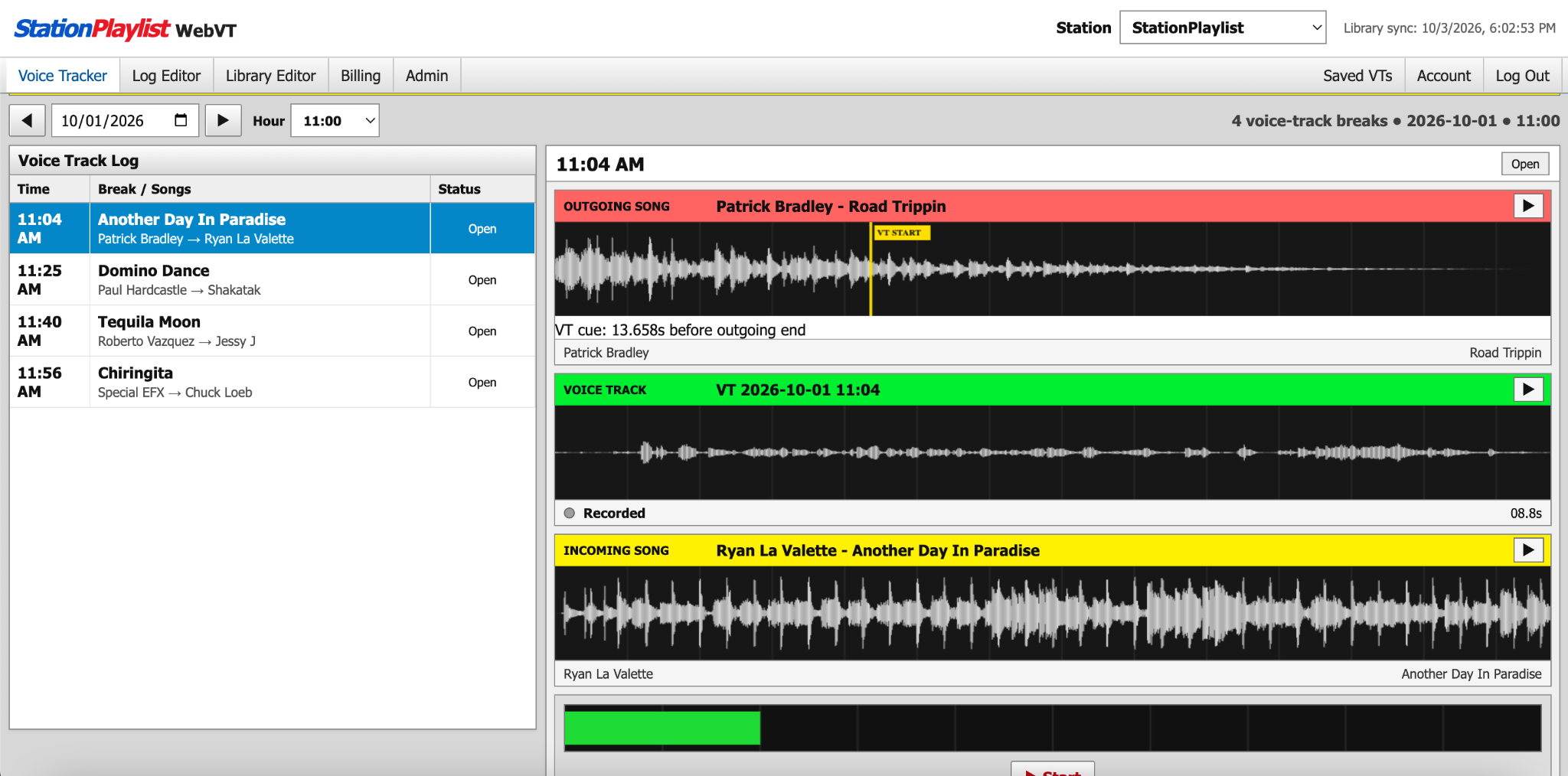
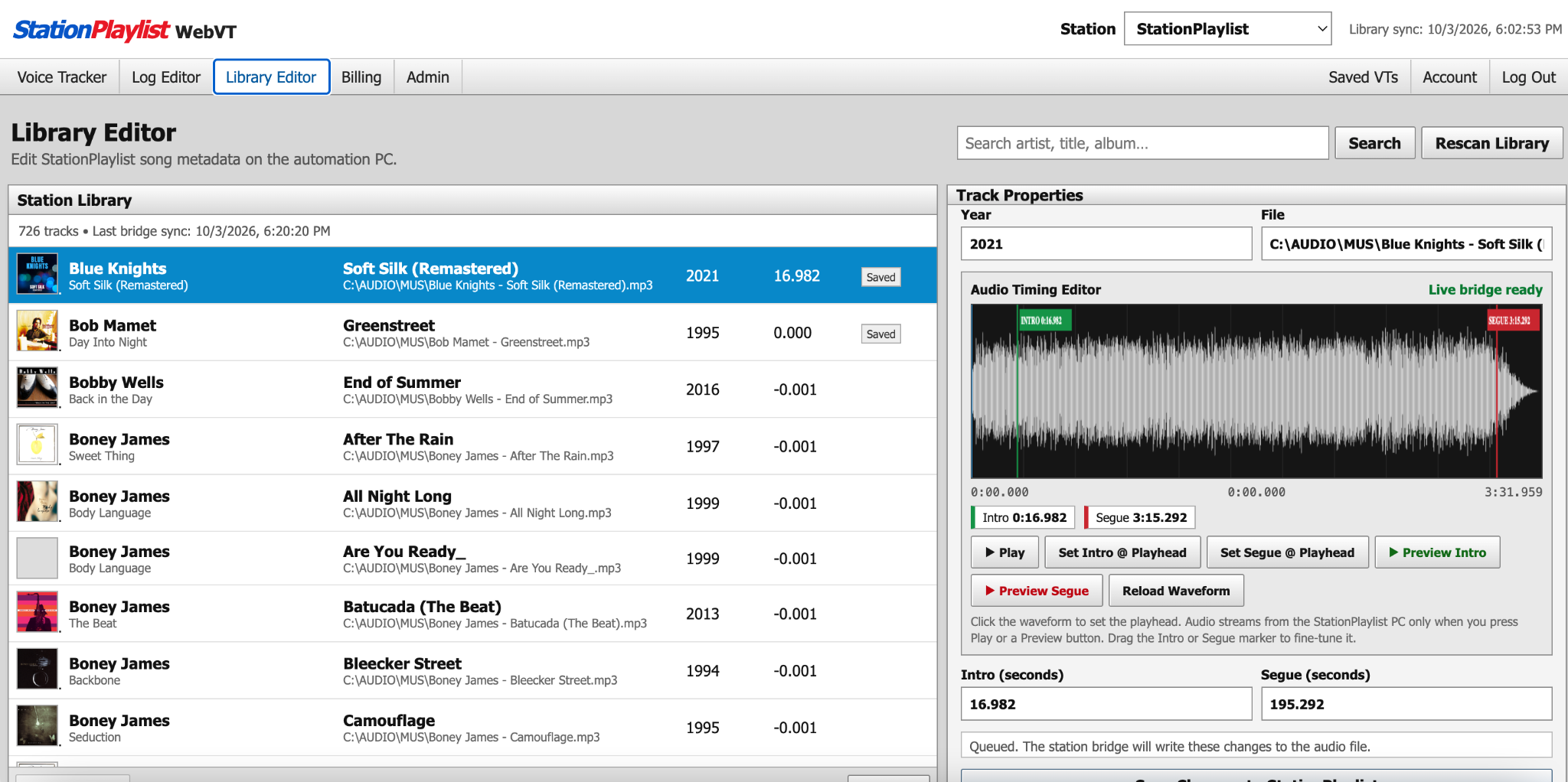
Record your breaks remotely without using remote desktop software.
The SPL WebVT Windows app provides the outgoing and incoming audio from the station computer.
Hear the outgoing song, voice track, and incoming song together before delivery.
Open the hour, see the voice-track breaks, and make simple log changes from the browser.
Install the SPL WebVT Windows app on the Station Playlist computer.
Your talent signs in from a browser, selects the hour, and records each break.
Review the finished break and send it back to the station workflow when it is ready.
One subscription gives your station access to the VoiceTracker.net web app and the SPL WebVT Windows app.
Our Discord is the official place to contact us, get support, ask questions, and receive SPL WebVT information and product updates.
No. Station Playlist stays on the station computer. VoiceTracker.net adds remote browser voice tracking.
No. The SPL WebVT Windows app works with the station computer so the browser can use the audio needed for each voice-track break.
Yes. You can preview the transition before you deliver the finished voice track.
Join our Discord server for support, questions, product information, and SPL WebVT updates. Join Discord.